
Merchant Guides
Step-by-step guides for using the EPaySe merchant portal.
How to View Your Customers
How to view and export your customer directory from your EPaySe merchant dashboard.
How to Create an Invoice
How to create, send, and cancel an invoice from your EPaySe merchant dashboard.
How to Create a Payment Link
How to create, share, and cancel a payment link from your EPaySe merchant dashboard.
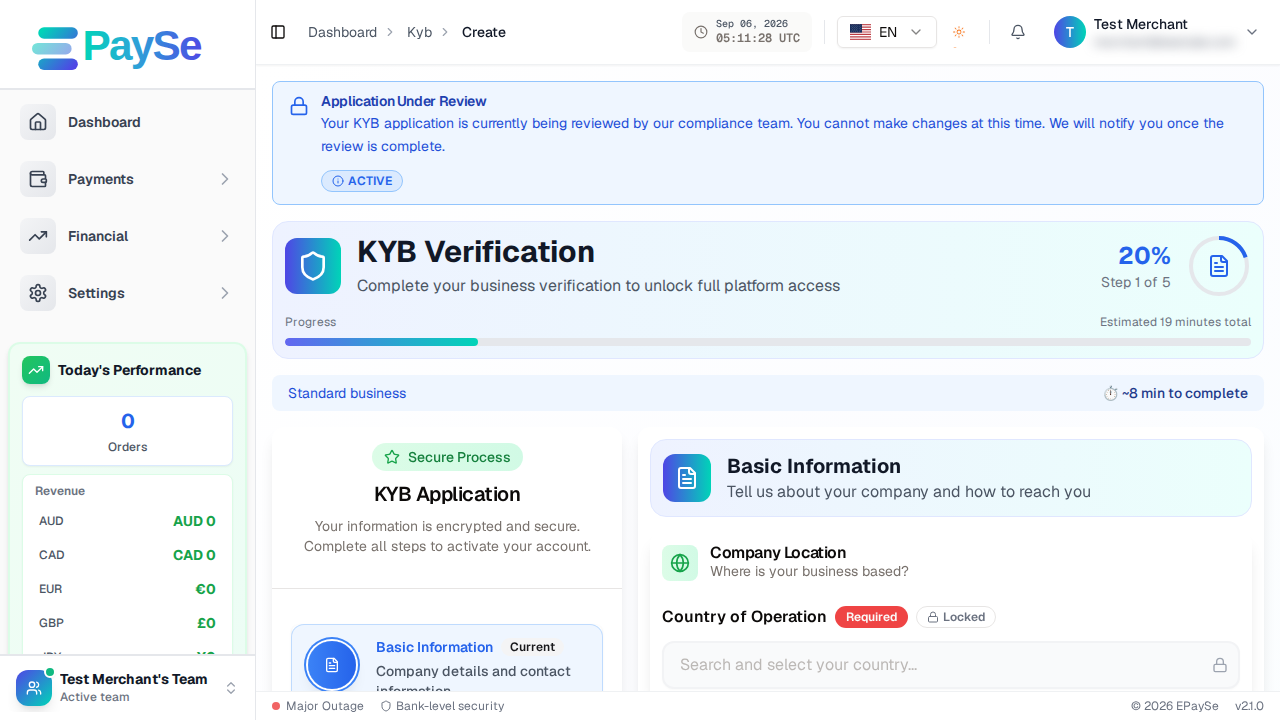
How to Complete KYB Verification
How to complete your business verification (KYB) on EPaySe, step by step, including how to save your progress and come back later.
How to Run Financial Reports
How to run and export Trial Balance, Cash Flow, Profit & Loss, and Summary reports from your EPaySe merchant dashboard.
How to Whitelist a Website
How to submit a website for review so it can accept payments through your EPaySe account.
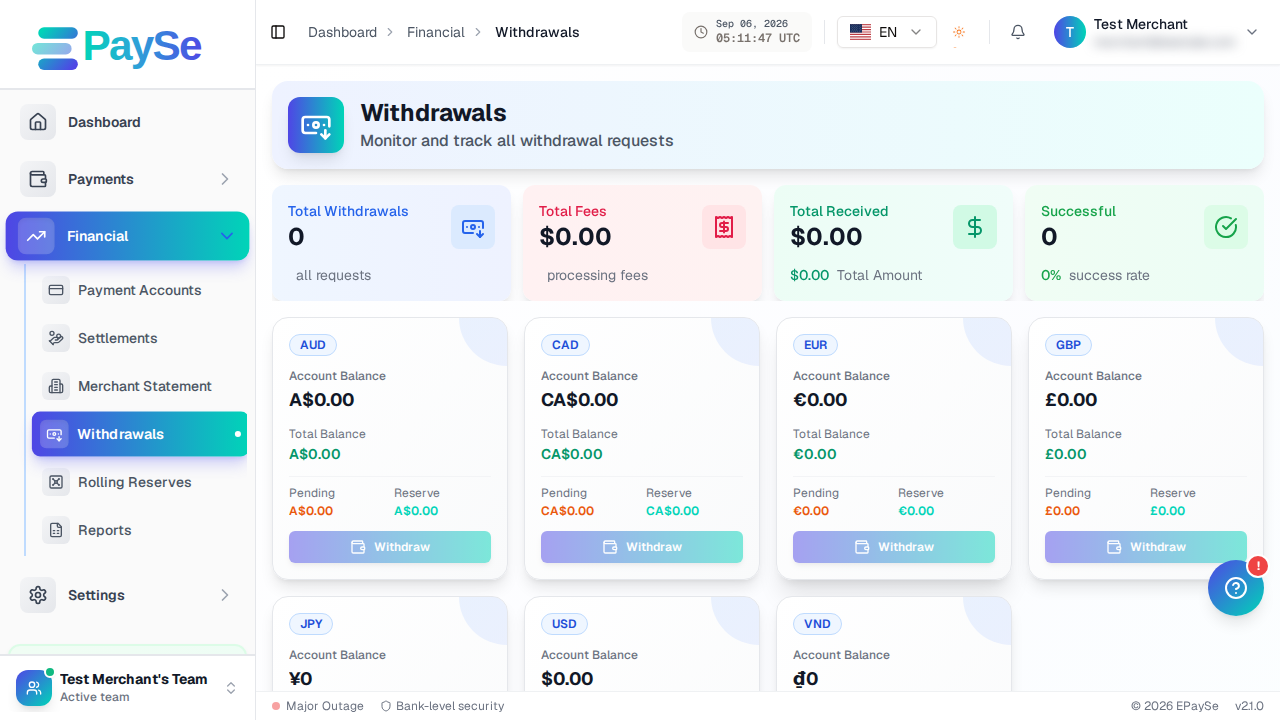
How to Withdraw Funds
How to request a withdrawal from your EPaySe merchant balance, from adding a payout account to tracking the request's status.
How to Manage Notifications
How to view your notifications and set your notification preferences on your EPaySe merchant dashboard.
How to Understand Your Balances
What your Account Balance, Pending, and Reserve numbers mean on the EPaySe merchant dashboard.
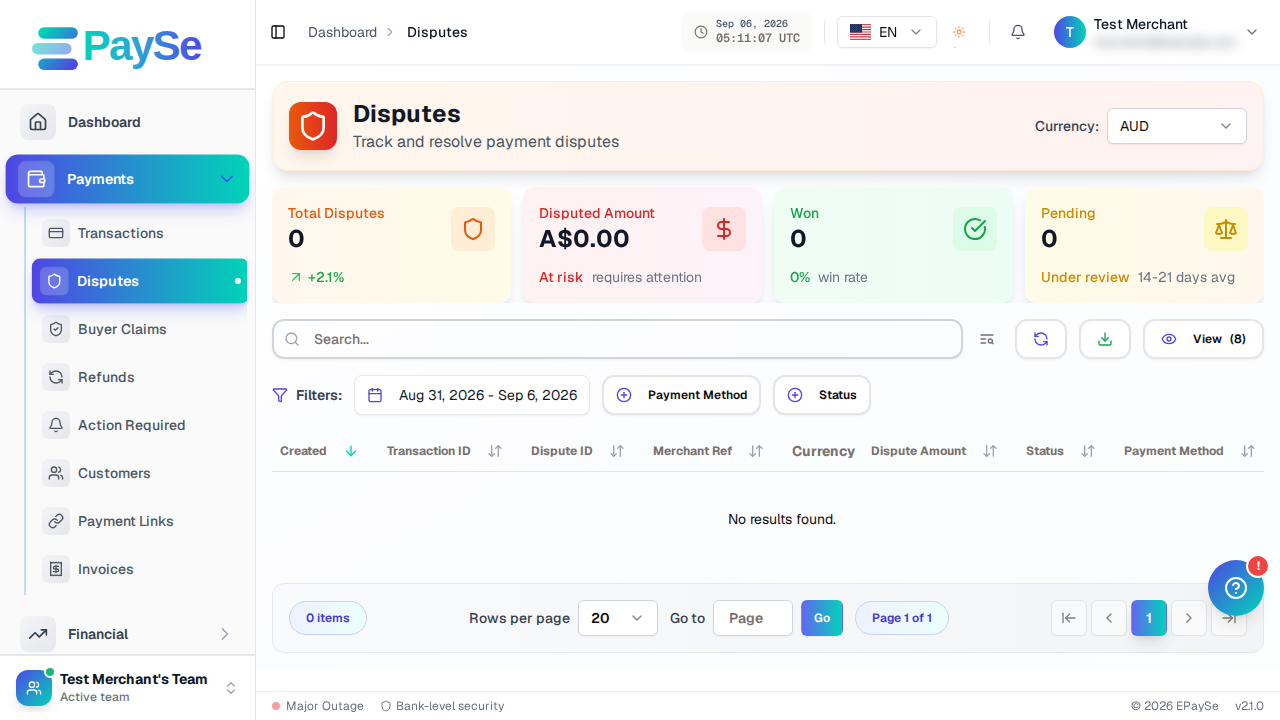
How to Upload Evidence for a Dispute
How to add evidence to an open dispute from your EPaySe merchant dashboard, and what to know about evidence types and the upload deadline.
How to Set Up Two-Factor Authentication
How to set up authenticator-app 2FA or a passkey on your EPaySe account.
How to Manage API Keys
How to create, view, and deactivate API keys from your EPaySe merchant dashboard.