
How to Create a Payment Link
Before you start
Payment links let you accept payments without building a checkout page — share a link, a QR code, or send it by email, and your customer pays through it directly.
Creating a payment link
- Go to Payments → Payment Links.
- Click "Create Payment Link."
- Fill in the details for what you're charging for.
- Save to generate the link.
Sharing a payment link
Once created, a payment link can be shared as a URL, a QR code, or sent directly to a customer's email from the link's detail page.
Canceling a payment link
Open the payment link from your list and cancel it if you no longer want it to accept payments. A canceled link stops working immediately.
Related Articles
How to View Your Customers
How to view and export your customer directory from your EPaySe merchant dashboard.
How to View and Export Transactions
How to search, filter, and export your transaction history from the EPaySe merchant dashboard.
How to Use the Action Required Queue
How to review and act on items in your EPaySe Action Required queue.
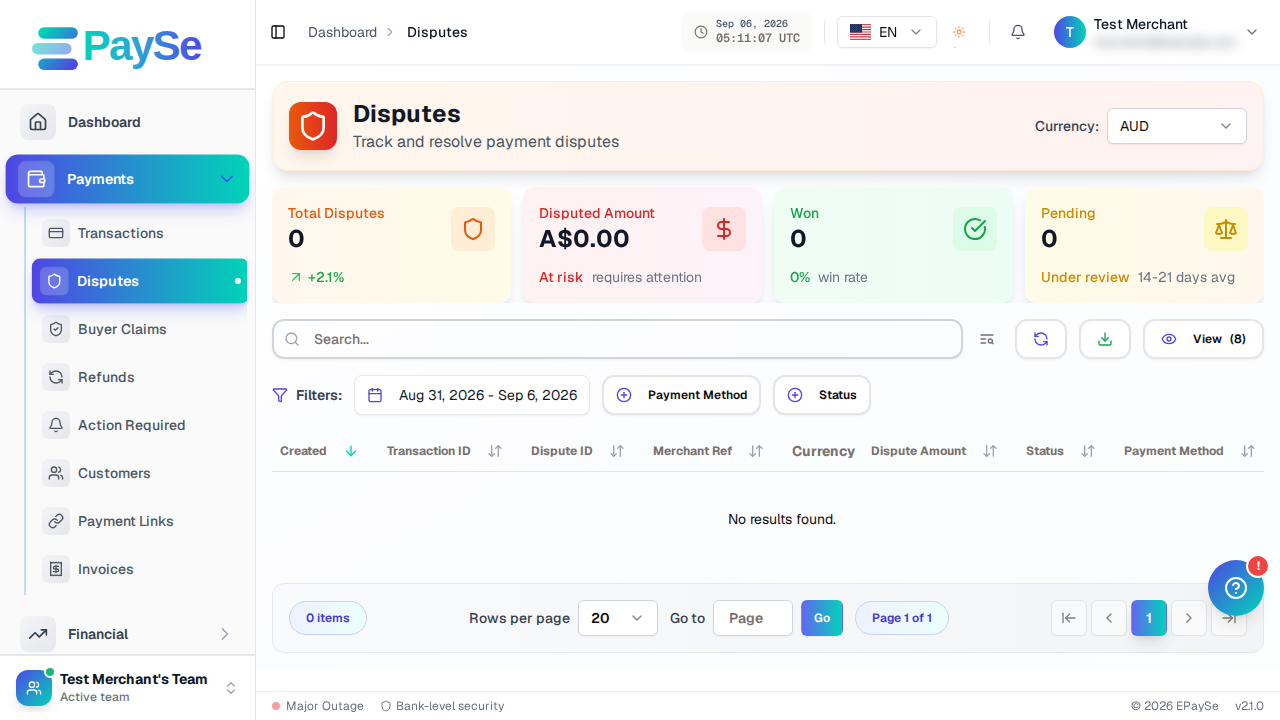
How to Upload Evidence for a Dispute
How to add evidence to an open dispute from your EPaySe merchant dashboard, and what to know about evidence types and the upload deadline.