
How to Manage Notifications
Viewing your notifications
Click the bell icon to see your in-app notifications. From there you can mark individual notifications as read or unread, or mark everything as read at once.
Setting your notification preferences
Go to your notification settings from your profile menu to control which notifications you receive and how. This page is only available if your role includes notification management — if you don't see it, ask a team admin.
Setting preferences for a teammate
If you're a team admin, you can set notification preferences on behalf of a teammate from your team's notification settings page, rather than asking them to configure their own.
Related Articles
How to View Your Customers
How to view and export your customer directory from your EPaySe merchant dashboard.
How to View and Export Transactions
How to search, filter, and export your transaction history from the EPaySe merchant dashboard.
How to Use the Action Required Queue
How to review and act on items in your EPaySe Action Required queue.
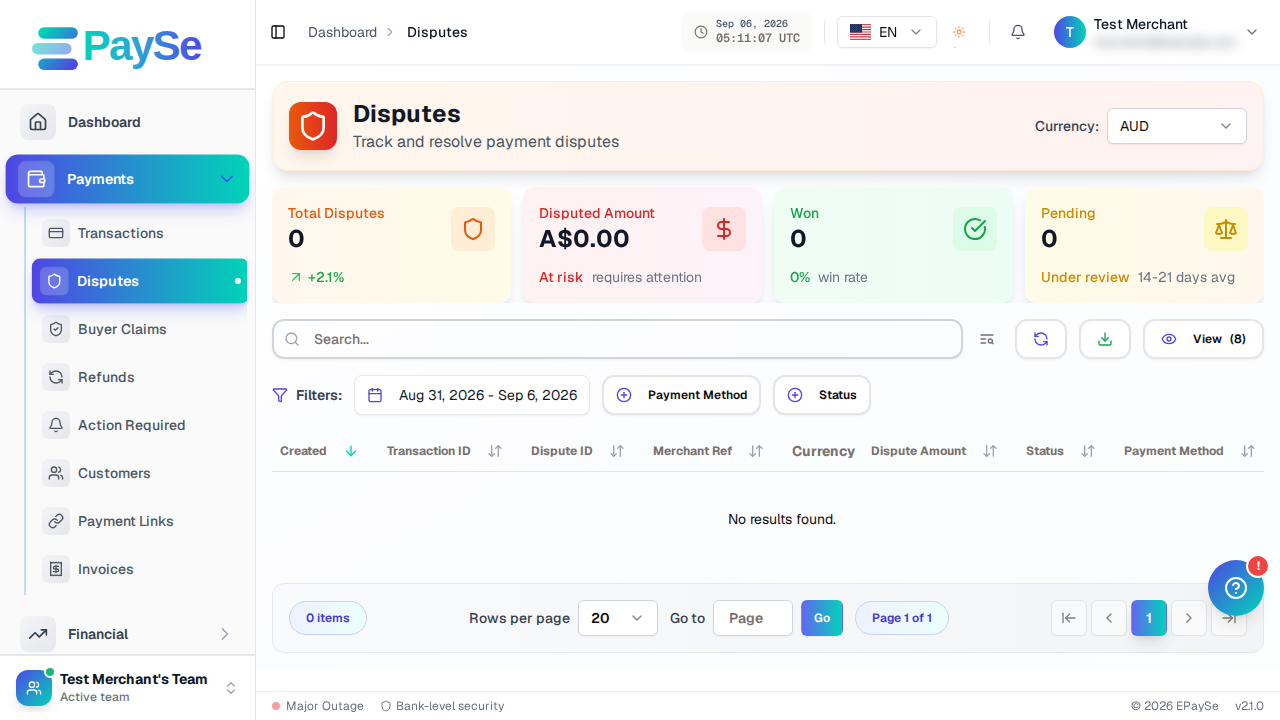
How to Upload Evidence for a Dispute
How to add evidence to an open dispute from your EPaySe merchant dashboard, and what to know about evidence types and the upload deadline.