
Merchant Guides
How to View and Export Transactions
EPaySe Team
2 min read
Viewing and filtering transactions
Go to Payments → Transactions to see every transaction across your account. Use the search bar to find a specific one by Transaction ID, Merchant Reference, customer email, or the last digits of a card.
To narrow the list, use the filter bar:
- Status and Payment Method — select one or more values to include.
- Amount range — filter by Amount, Paid Amount, Net Amount, or Refunded Amount, depending on what you're looking for.
- Date range — filter by Created Date, Updated Date, Settlement Date, or Reserve Release Date.
Click any column header to sort by Date, Amount, or Status. Click a row to open that transaction's details.
Exporting transactions
- With your filters set the way you want, click the export icon next to the search bar.
- Choose a file format — Excel (.xlsx) or CSV.
- Choose how you want the file delivered: Download Now downloads it immediately, or Send to Email queues the export and emails you a download link when it's ready.
- Review the list of columns and select the ones you want included in the export.
- Confirm to start the export.
If you can't find what you're looking for
- Double-check your date range — it's easy to filter out older transactions by accident.
- Clear one filter at a time to see which one is narrowing the list too far.
- If you're searching by card number, make sure you're using the last digits shown in the transaction list, not the full card number.
transactions
export
Share:
Related Articles
Merchant Guides
How to View Your Customers
How to view and export your customer directory from your EPaySe merchant dashboard.
1 min read
Merchant Guides
How to Use the Action Required Queue
How to review and act on items in your EPaySe Action Required queue.
1 min read
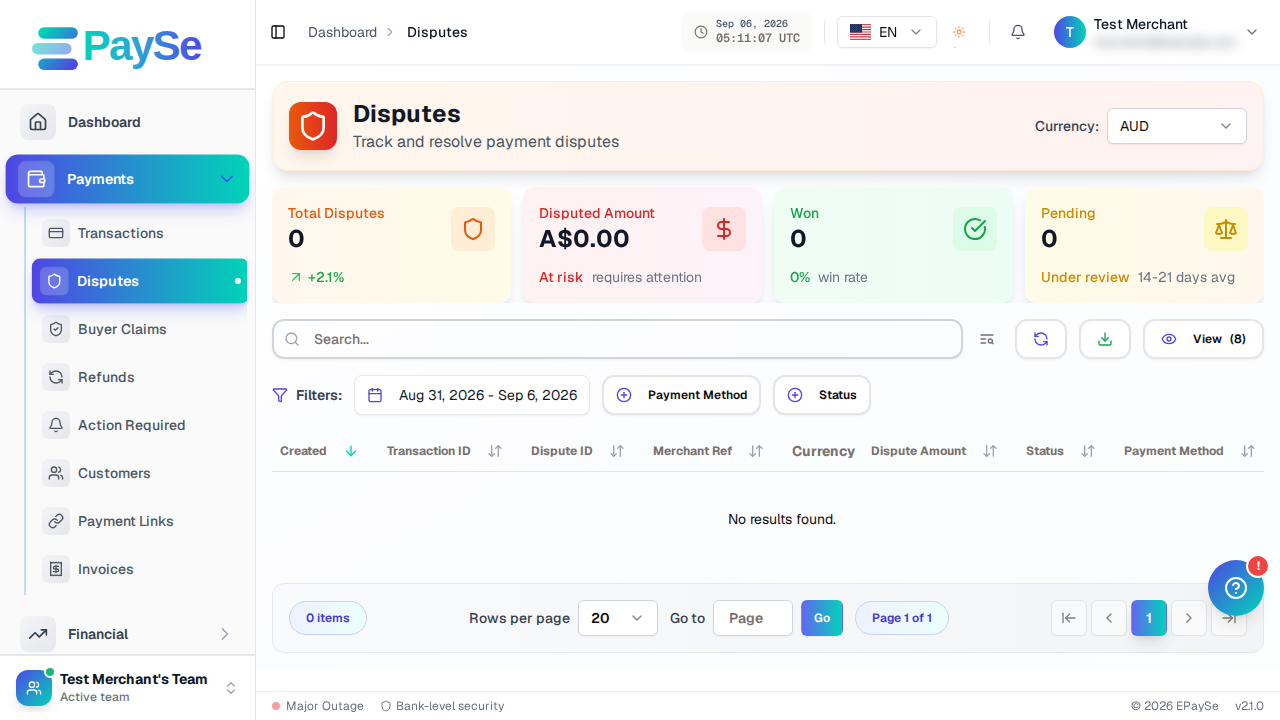
Merchant Guides
How to Upload Evidence for a Dispute
How to add evidence to an open dispute from your EPaySe merchant dashboard, and what to know about evidence types and the upload deadline.
1 min read
Merchant Guides
How to Understand Your Balances
What your Account Balance, Pending, and Reserve numbers mean on the EPaySe merchant dashboard.
2 min read